⚡
Electricity vending
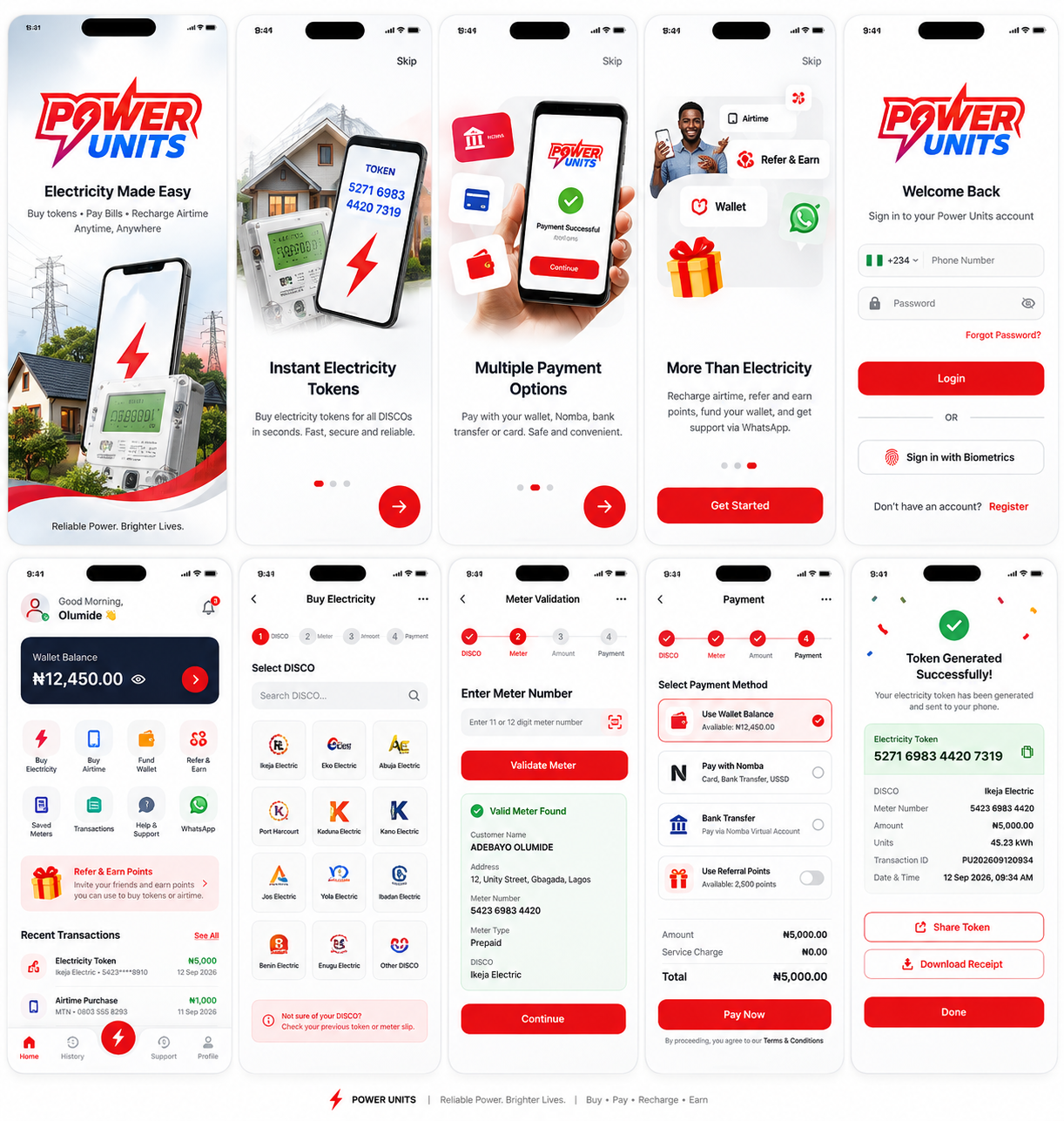
Select your DISCO, validate prepaid or postpaid meters, pay securely and retrieve successful tokens from your transaction history.
Buy electricity, fund your wallet, recharge airtime, save meters, retrieve previous tokens and earn referral rewards from one responsive, secure Power Units experience.
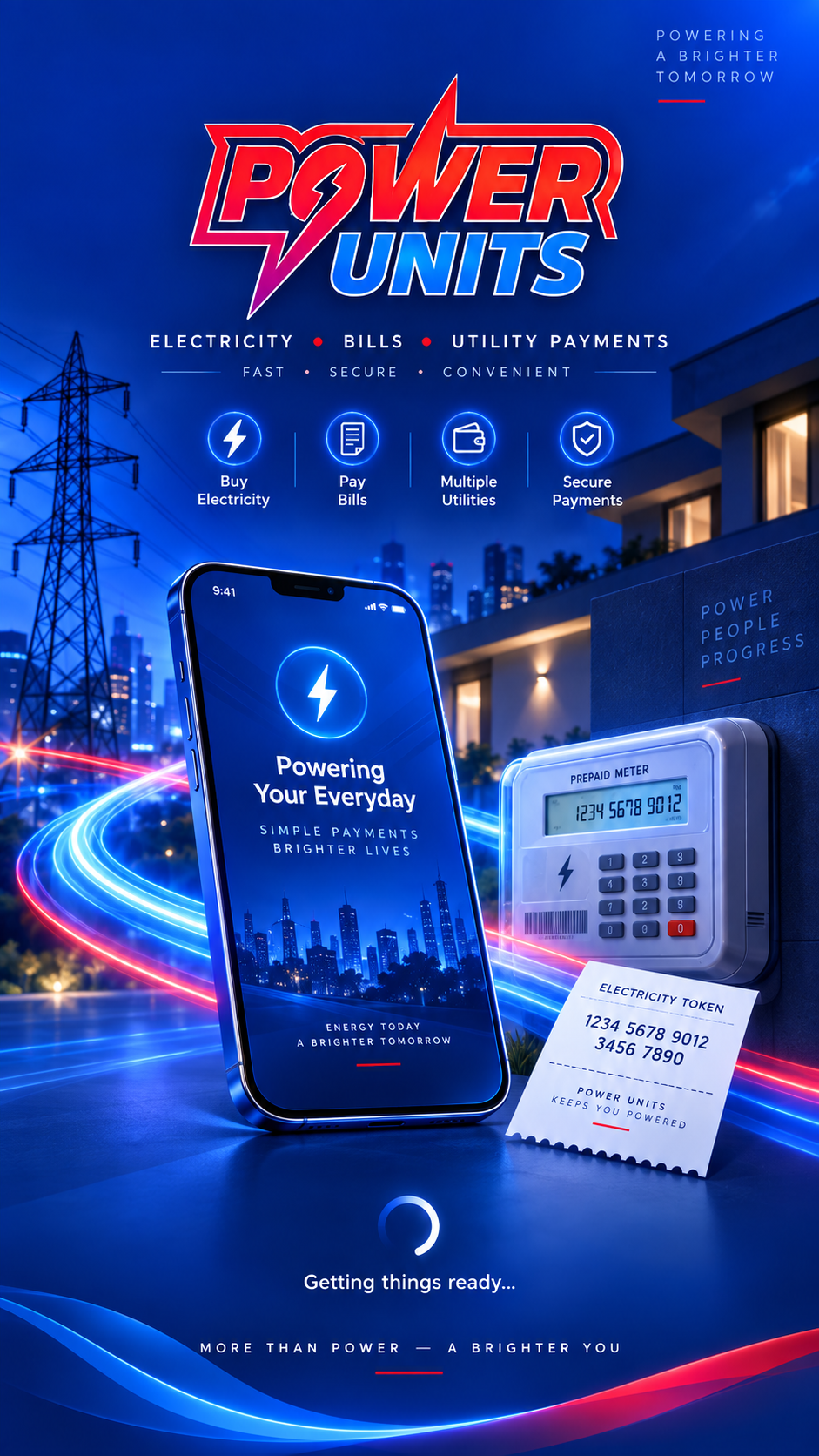
Power Units brings payment, vending, account security, rewards and support into one consistent experience across phones, tablets and desktops.
Select your DISCO, validate prepaid or postpaid meters, pay securely and retrieve successful tokens from your transaction history.
Fund through secure NOMBA Checkout, review convenience fees before payment and see wallet ledger activity in one place.
Recharge major Nigerian mobile networks from the same account, with transaction status and provider confirmation.
Invite friends, track referral progress and manage points or reward balances supported by configured platform rules.
Keep frequently used meters ready for faster future purchases for home, office, family or other locations.
Manage password, transaction PIN, sessions, KYC status, trusted devices and other account-security controls.
Configure supported auto top-up and scheduled payment options with clear controls and secure approval flows.
Create support tickets, follow replies, manage notification preferences and receive payment or token updates.
The platform combines customer security controls with privileged administrative safeguards for sensitive actions.
Hashed credentials, OTP-backed recovery, session controls, transaction PINs, rate limits and auditable login events.
Role-based permissions restrict administrative functionality, with MFA required for privileged operations.
Sensitive wallet and configuration changes can require a different authorized administrator to approve the request.
Use a fast mobile-first interface for payments and vending, with clean forms, responsive transaction details, receipts, notifications and support.
Monitor customers, transactions, wallets, reports, referrals, providers, support, KYC, security and audits from a permission-aware dashboard.
Open the Power Units app, choose Electricity, select your DISCO, enter and validate the meter number, choose the amount and complete the supported payment flow.
Open Activity/History and select the successful electricity transaction. The detailed receipt view is designed to show the token and transaction reference when available.
Card checkout is handled by the configured payment provider. Power Units does not need to collect card details directly in its own forms.
Yes. The customer application is designed as a responsive installable PWA and can be added to a supported device home screen.
Use the Support area inside the app to create a ticket and follow the conversation and status from your account.
Use secure guest vending without registration, or open the Power Units app for wallet funding, airtime, saved meters, rewards, history and support.